Straight to the lock screen
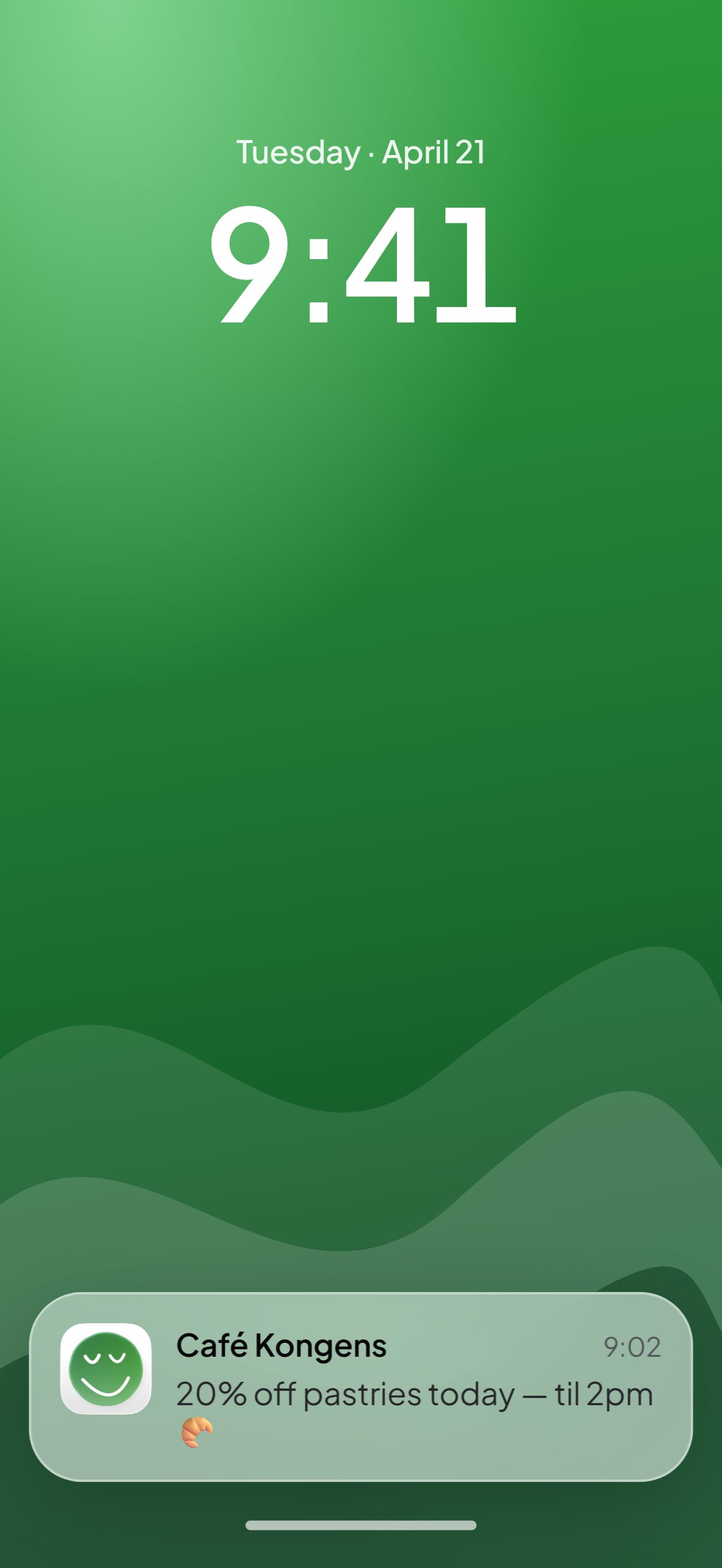
Every card doubles as a direct line to the customer. Write a message, send it now or schedule it, and it lands on the lock screen of everyone holding your pass.
14 days free · No card required · Your logo live from day one

Join 130+ shops using Wallet Loyalty
 Sabores JK
 Tayyab
 Lakeside Lunchbox
 Montana
 Roast Coffee
 Glasweise Circle
 GLIU
GLIU Pizzeria Morasko
 Mundo Sensorial
 Hookah by Moonder
 Watcha
No email list needed
The pass itself is the channel. Nothing to collect, nothing to install.
No email list needed
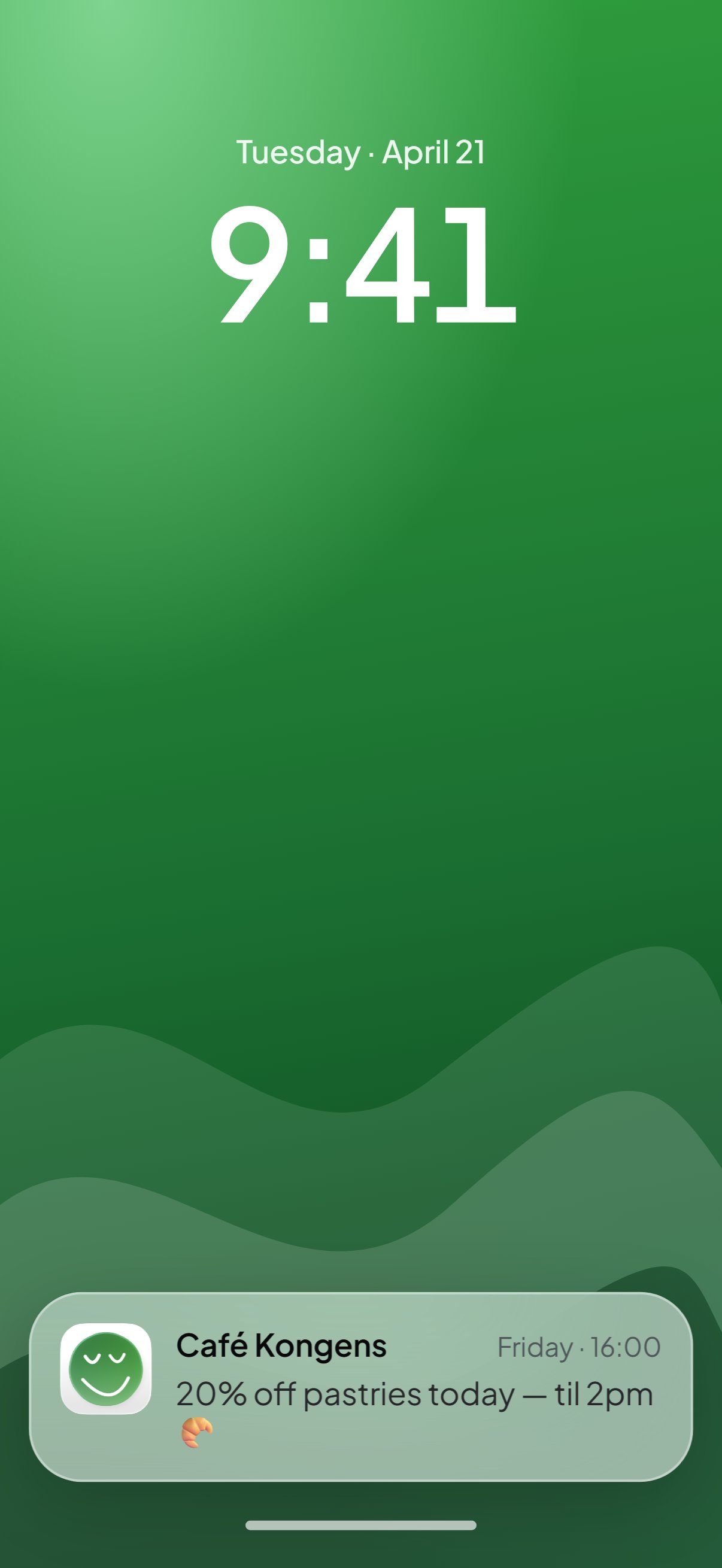
Send it now
A slow Tuesday, a fresh batch, a last-hour offer. Write it, send it, done.
Schedule it
Pick the day and hour and it goes out on its own, in each customer's language.
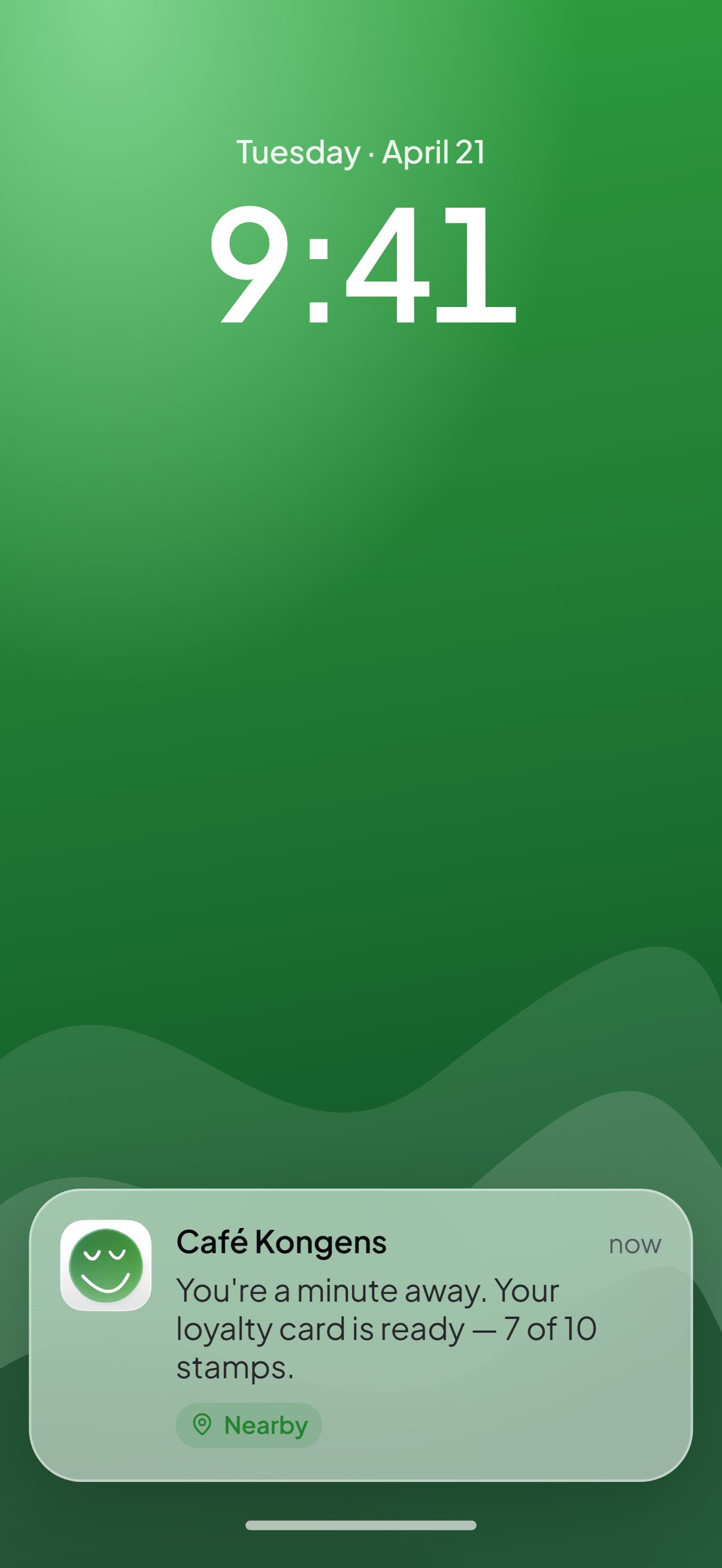
Near your shop, on the screen
Apple Wallet and Google Wallet surface the card within about 100 metres of your door. Built in, nothing to configure.
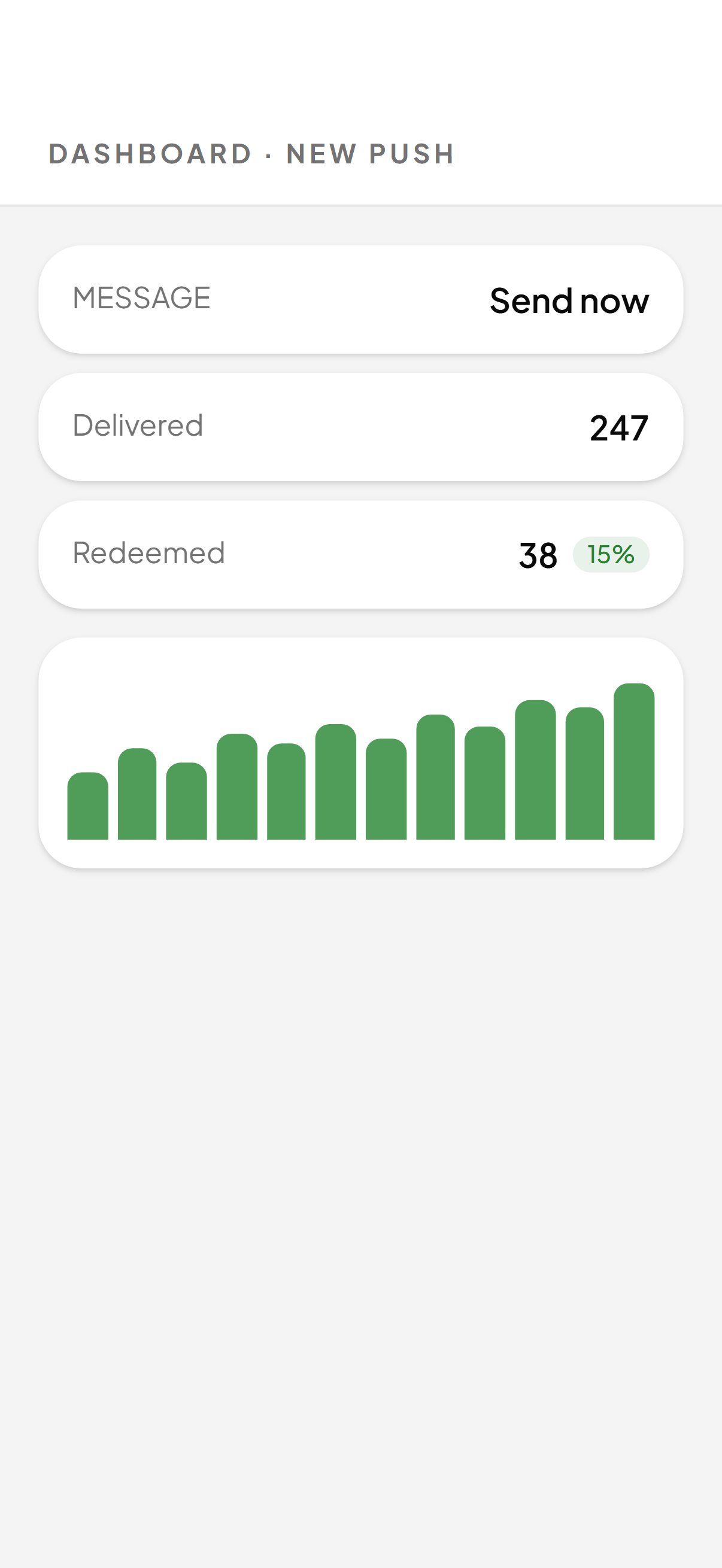
See what it did
Delivered, redeemed, and when. Every push shows what it brought in.
One-way paper, and what replaced it
What a paper card can never tell your customers, and what a push notification does.
Before Wallet Loyalty
Paper is one-way
- Paper is one-way, they walk out, you hear nothing
- An email list that takes months to build
- Newsletters that land in spam
- No way to reach people passing by
With Wallet Loyalty
A direct line
- Lands on the lock screen, where they look
- No email, no phone number, no app
- Send now, or pick the day and hour
- The card appears when they are nearby
More ways to reach them
Automations send the welcome, the nudge and the birthday on their own. Analytics shows what each push brought in.
HOW IT WORKS
From card to lock screen in five minutes.
Launch a card, hand it out, and every pass in a wallet is a channel. Write the message on your phone and send.
01
Choose the reward, then the look.
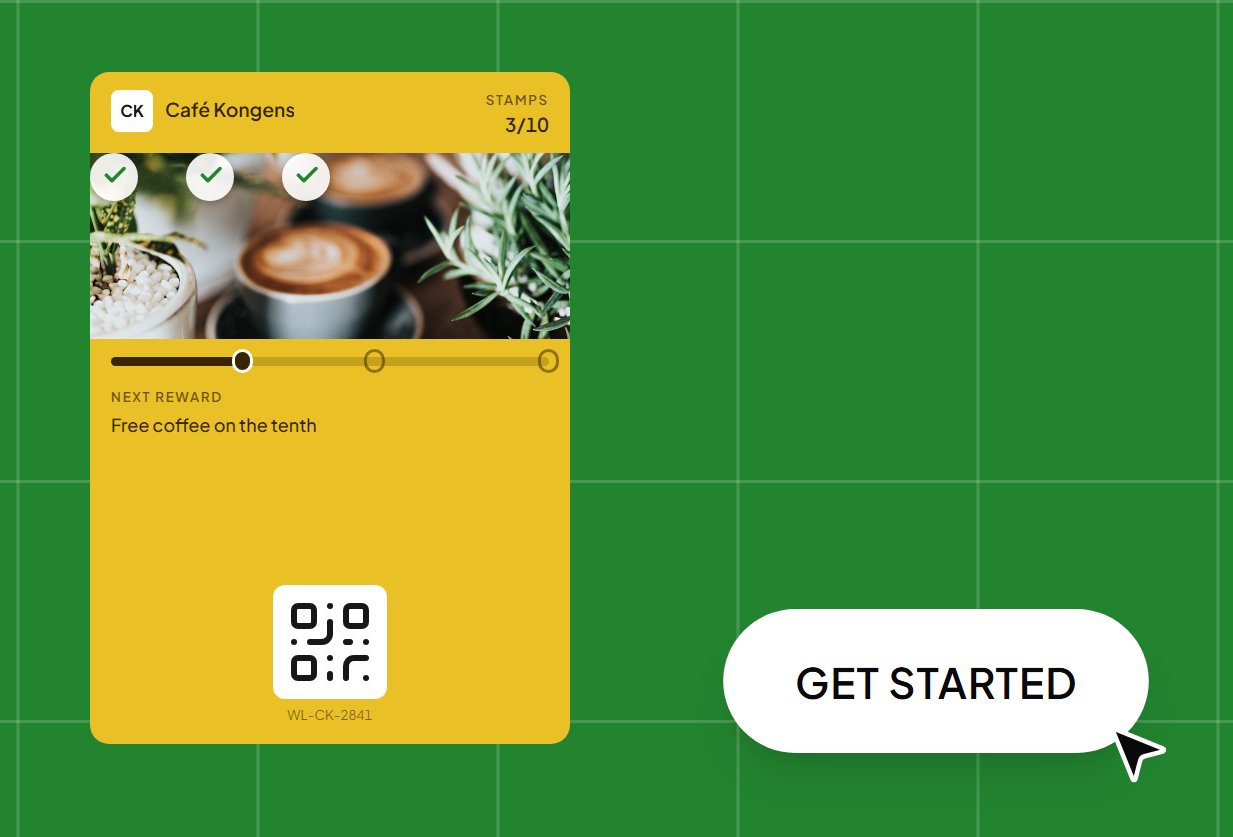
Your logo, your colours, and whatever reward makes sense for you — a free coffee, a free croissant, every tenth wash. You choose how many stamps it takes, and that's the setup finished.
02
Get it onto their phone.
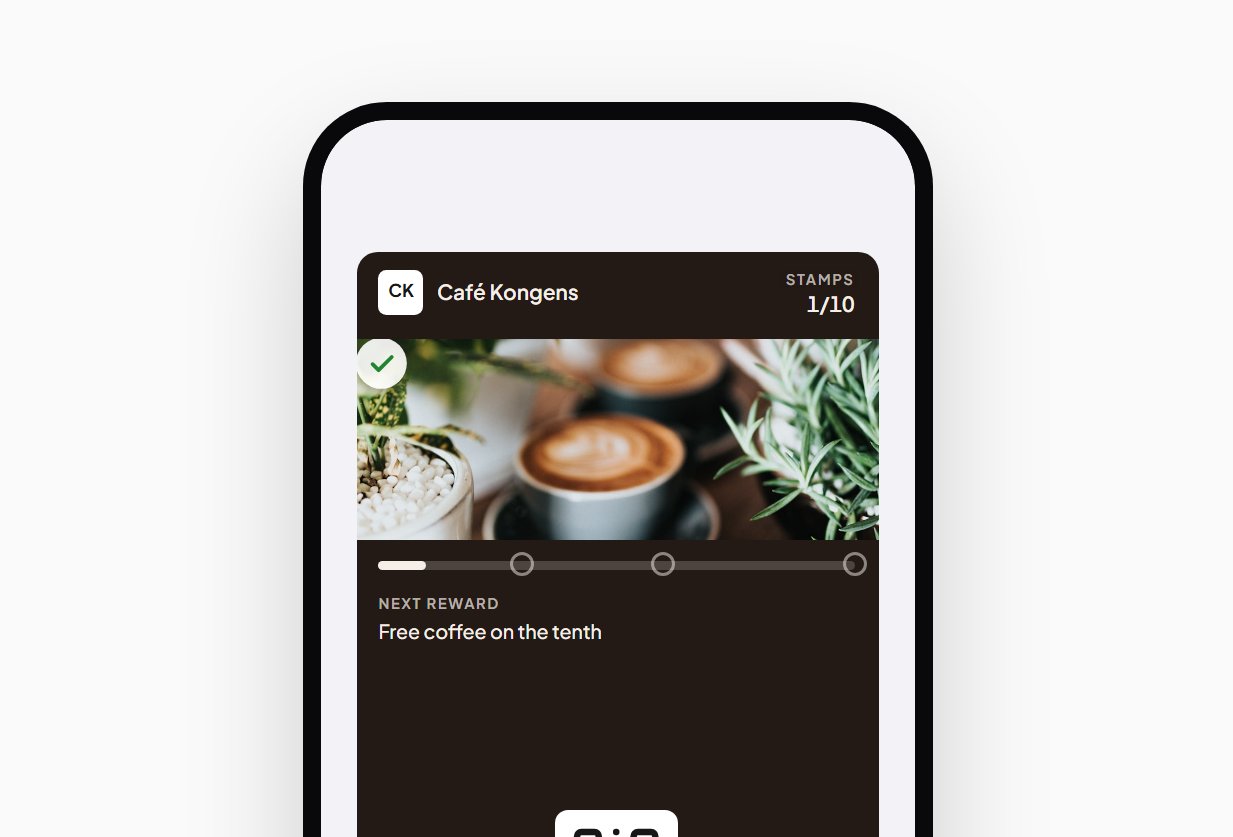
They scan the QR on your counter or tap a link you've shared. The card saves straight into Apple Wallet or Google Wallet — about three seconds, start to finish.
03
Scan their card to add a stamp.
When a regular comes in, you open the card on your phone or tablet and scan theirs. The stamp lands, their count updates on the spot, and if they're close to a reward they get a notification about it.
FAQ
What owners ask about push notifications.
No. The push goes through the wallet pass itself. You never collect an address.
Yes. Both wallets have a notification switch on every pass, so a customer can mute your card without deleting it.
Apple Wallet and Google Wallet show the card on the lock screen when the phone is within about 100 metres of your shop. It is built into the wallets and uses your shop's address. Nothing to set up.
There is a monthly cap per shop and a cooldown per customer for marketing pushes, so nobody gets spammed and your card stays welcome on the lock screen.
Your next message, on their lock screen tonight.
€19 a month per location, with 500 customers included. Twelve languages. Cancel whenever you like.
14 days free · No card required · Your logo live from day one
30-day money-back guarantee